
How St. Cloud Arrests Work
St. Cloud is the Stearns County seat, with a population the U.S. Census Bureau QuickFacts put at 72,647 for July 1, 2025. The St. Cloud Police Department is the main municipal agency. County deputies also work the area. When an officer makes an arrest, city police write an incident report. Booking is a separate step. If the adult is accepted at Stearns County Jail, the sheriff opens the booking and custody record.
Each record answers a different question. A city report covers a stop, a call, or the arrest. Current tells you who the jail holds now. Past covers an earlier stay. A citation and release can leave police and court records but no roster entry, and transfers, holds elsewhere, and juvenile cases all fall outside the county list too.
Booking records: A booking photograph documents custody at the jail. Charges listed at booking can change as a case moves. The court file holds the final result.
Where St. Cloud Arrests Appear
The city posts no fixed daily arrest roster or mugshot blotter. Instead, the police department publishes reports, annual reports, and calls-for-service data. Calls include public requests and officer-initiated activity. Not every call leads to an arrest. The county roster is the shared custody source. But it only lists adults actually booked into Stearns County Jail.
| Channel | Scope and photos | Access |
|---|---|---|
| St. Cloud Police data | Official incidents and calls, not a live photo list | Use reports or request the city record |
| Stearns Current | Adults now in county custody; photos may be placeholders | Search name, age, or booking dates |
| Stearns Past | Prior county-jail stays for seven years | Enter the required last name |
| Local news | Selected events, not a complete log | Verify with police, sheriff, or court |
West Central Tribune's Records column, KNSI, and regional Star Tribune coverage carry selected St. Cloud matters. Timing follows news value. It has nothing to do with jail booking times. A story image may be illustrative or agency supplied, so treat it as a booking photo only if the source says so.
Find an Arrested St. Cloud Adult
Use a source sequence that keeps the event and custody status distinct:
- Search the official Current roster by name, age, or booking-date range.
- Read its visible update time. Intake, classification, entry, and refresh happen in steps.
- If the person left county custody, search Past. It requires a last name and covers seven years.
- If no booking occurred, request the St. Cloud incident report. Citation, release, or transfer may explain the absence.
- Use Minnesota Court Records Online or Court Administration for hearings, judgments, and disposition.
Current shows name, gender, age, booking date, and race. Each entry links to a profile. The date reflects jail booking, not the exact arrest time. Identity fields can carry errors, and the county warns that only fingerprints confirm identity, so never assume a similar name proves a match.
St. Cloud Calls Versus Arrests
The city's public-data system and the jail list serve different purposes. A call for service might end with advice, a report, no action, a citation, or an arrest. An arrest can end with release instead of jail admission. So counting calls as arrests inflates the numbers. Treating the roster as the whole police log omits contacts that never became a booking.
Match the record to the question. For the event, gather date, place, and case number. For custody, check the county roster. For the legal outcome, move to court. A name vanishing from Current only means the adult is not displayed as presently held; release on bond, a transfer, or other changes still need confirmation.
Request St. Cloud Arrest Records
Ask city police for the incident or arrest report. Its Records Unit processes reports, and the Information Desk takes public-data requests. The city added an online request route in 2026. Include a case number if you have one, plus the person, date range, and location. Ask whether redactions or an active-investigation restriction applies.
For a county booking or photograph, start with the Sheriff's Records Division or 320-259-3700, providing the name, booking date, arresting agency, and any booking number. Minnesota law generally makes booking photos public. Section 13.82, subdivision 26 permits temporary withholding when release would harm an active investigation. The county schedule lists a $2 digital color photograph. Confirm the fee when you file the request.
St. Cloud Police Information Desk
St. Cloud Police Department
101 11th Avenue North
St. Cloud, MN 56303
Information Desk: 320-345-4444
Non-emergency: 320-251-1200
Hours: Weekdays, 8:00 AM-4:30 PM
Why St. Cloud Mugshots Vanish
A public photo may never appear online. The Current table lists booking fields. No actual image shows, and profiles use a generic placeholder. A 2025 local report tied the missing photos to a jail-software transition while inmate data stayed available. That gap is technical, not proof the sheriff lacks the photograph.
The official St. Cloud Police page covers the city's own services.
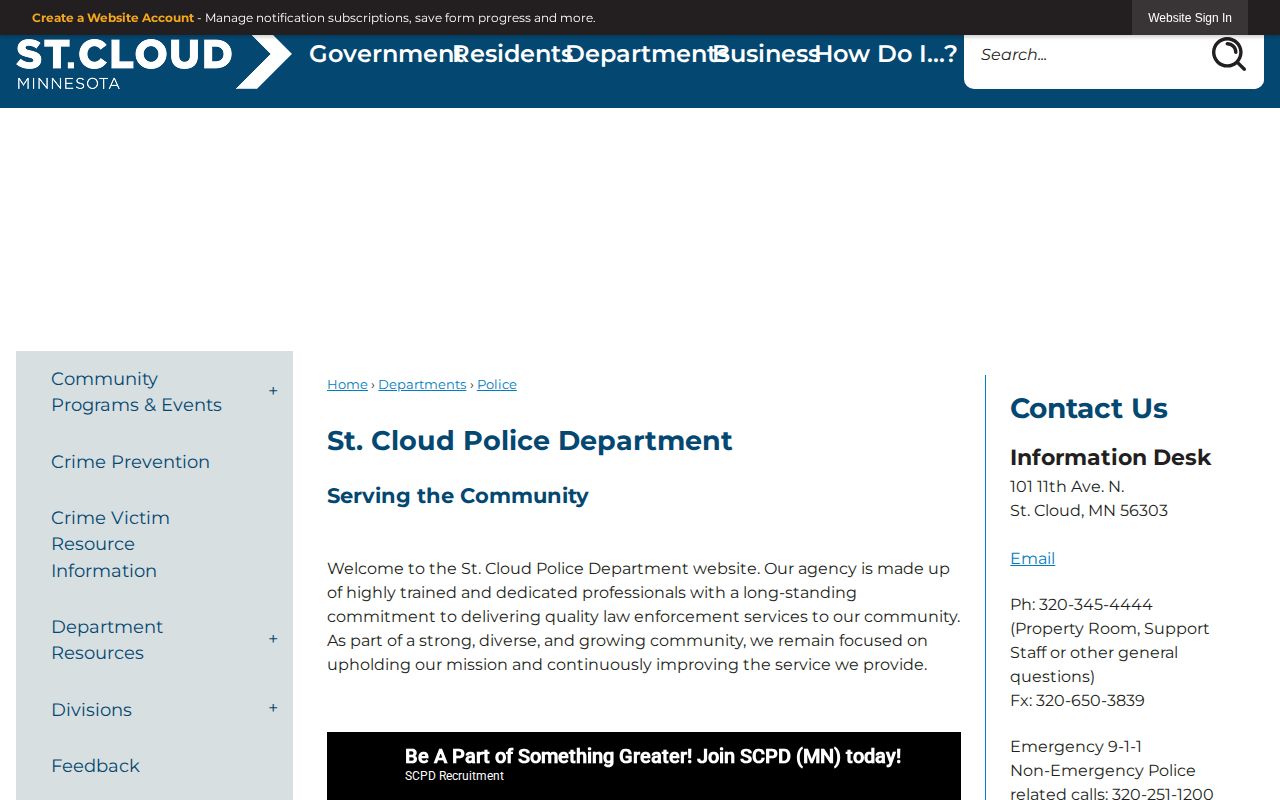
That page belongs to the city. County booking and court files sit with their own custodians.
Ask the sheriff for the specific image. This page hosts no gallery. It rehosts no booking photographs and recommends no paid-removal service. An unofficial copy can stay stale even after the source record changes.
St. Cloud Arrest News Limits
Local news only takes you so far after a St. Cloud arrest. KNSI posts event-driven reports, and the West Central Tribune runs a recurring records column. Neither outlet covers every arrest in the city. A story may follow a police release, a prosecutor filing, or a court paper. Timing can lag the actual booking by days. For a stronger verification chain, go straight to the Current, Past, and court records themselves.
News summaries also age fast. A complaint only opens a case, and the court's outcome lives in a different record. An old article says nothing about present custody. Roster data will not settle what happened later. Treat news as a lead, never the final word.
After a St. Cloud Arrest
Three terms come up right after a St. Cloud arrest. Bond is a court-set condition for release. Arraignment is an early hearing on charges and rights. A detainer is a legal basis for another authority to hold or transfer someone. Each may sit in a separate record, so never guess from roster silence.
For locating a person, match the tool to the custody stage. Minnesota VINE sends notices for someone in participating county custody. The MN DOC Public Viewer tracks adults committed to the commissioner in prison or under supervision, not fresh city bookings. Federal prison and immigration custody each have their own federal locators.
A focused follow-up states exactly what needs confirming. Was the adult admitted to Stearns County Jail? Is the person still held there? Which agency owns the record you want? If release or transfer is the concern, ask for the event date and destination. Roster removal alone answers neither question. Jail Records handles the booking file, while city police hold the originating report.
Keep your exact search terms and the roster's update time. Names carry variants, and a date filter can miss a booking entered on a day other than the police contact. When an official record looks inconsistent, ask the source office to review it. A news outlet cannot amend the sheriff's data. For a court change, get the current docket or a certified copy from Court Administration.